Download Promods without waiting for 5 minutes
Step 1: Ensure your Bookmarks Bar is visible.
(Press
(Press
Ctrl + Shift + B or Cmd + Shift + B on Mac)
Step 2: Click and hold the blue button below.
Step 3: Drag it up into your Bookmarks Bar and let go.
Drag this to your bookmarks bar:
Promods No Wait
Step 4: Go to https://promods.net/ and login
Step 5: Click the software you want to download, and following the step until you reach step 2
Step 5: Click the software you want to download, and following the step until you reach step 2
Step 6: Click "Standard Download" in Step 2

Step 7: Click "Promods No Wait" on your bookmark bar
Step 8: Those download link will be updated, click to download file, no need to wait for 5 minutes between downloads
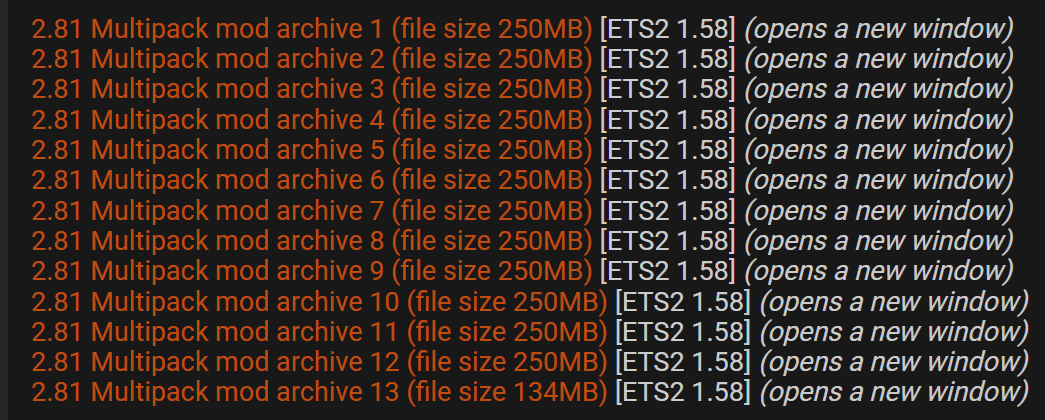
Step 8: Those download link will be updated, click to download file, no need to wait for 5 minutes between downloads